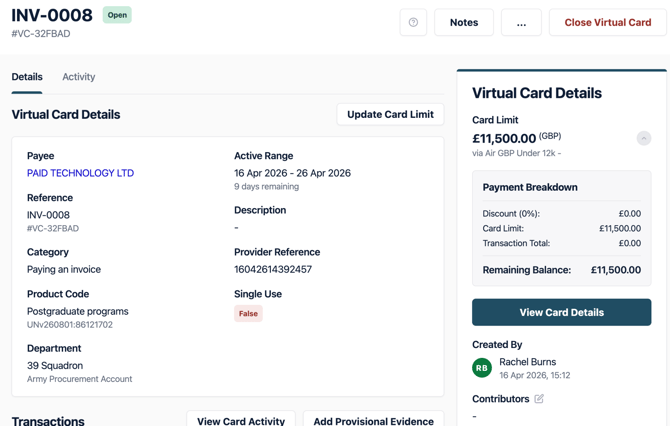
This guide assumes you have the correct administrator privileges, if you do not please contact your companies Administrator.
1. When a card has been created that requires your approval, you will receive an email to notify you of the task, it will also show within your task list in the dashboard.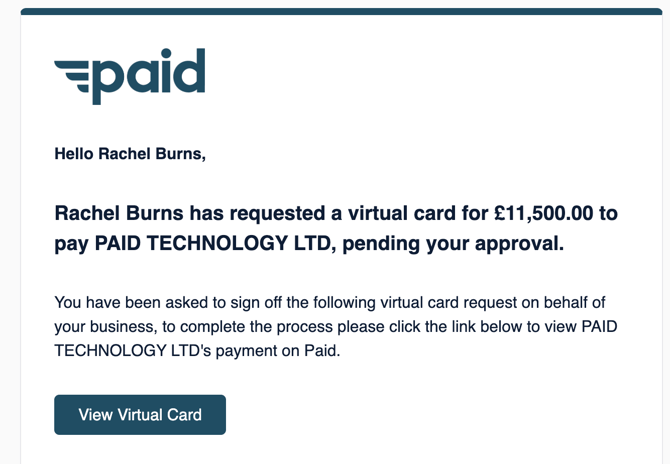
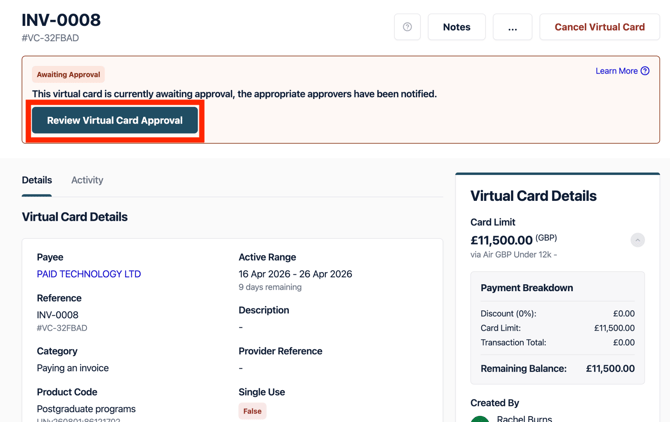
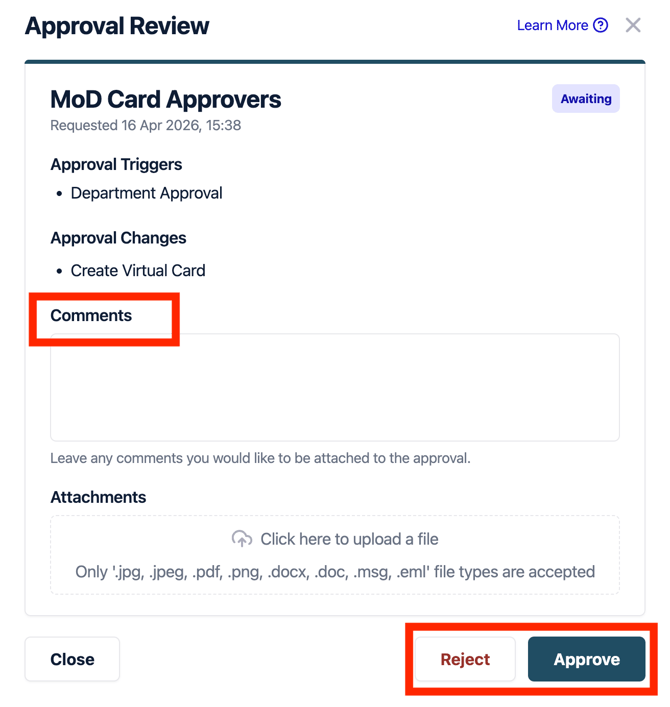
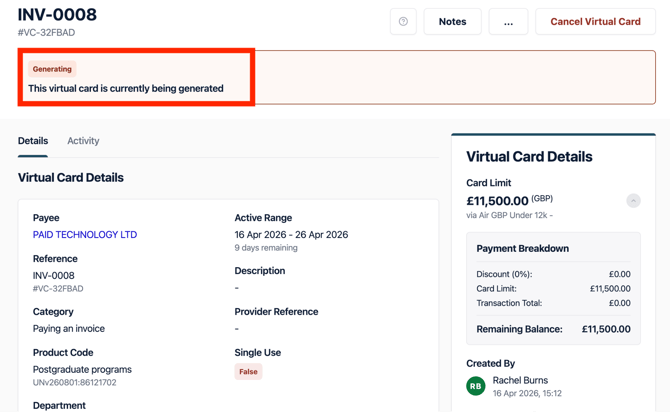
4. Once you have approved the virtual card you will see that the card is momentarily being generated.
5. From here, the card will be ready to use.