Skip to content
  • There are no suggestions because the search field is empty.

How to delegate evidence submission.

This guide explains how to add ‘contributors’ to a Virtual Card, which will allow the contributor to add evidence.

This guide assumes you have the correct administrator privileges, if you do not please contact your companies ‘Super Admin’. 

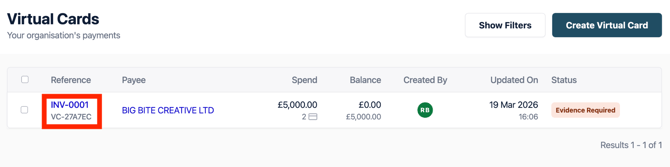
1.  Select the work that you would like to add ‘contributors’ to by clicking into the reference number.  You can find your Virtual Cards requiring evidence either in your ‘Tasks’ list or through Virtual Cards using the filters. 
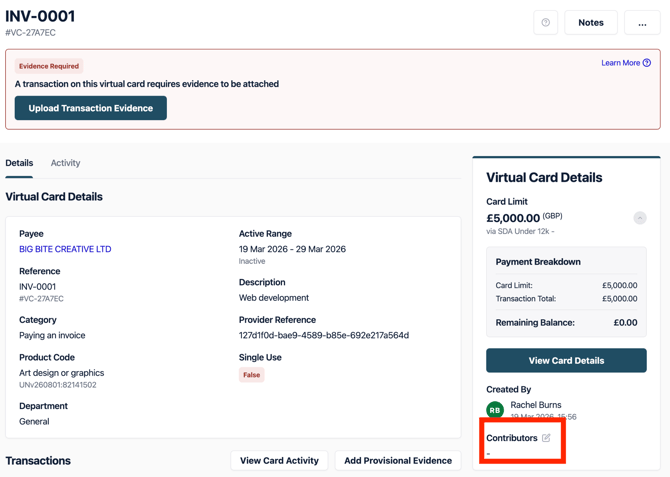
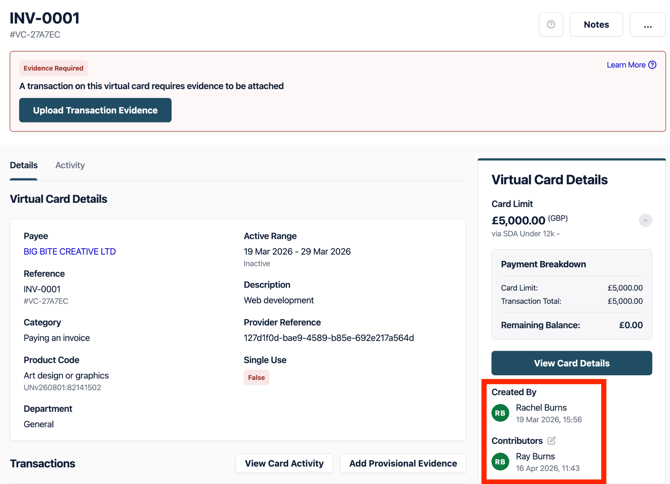
2.  Once in the work select the edit icon next to “Contributors” which will bring a pop out from the right hand side.

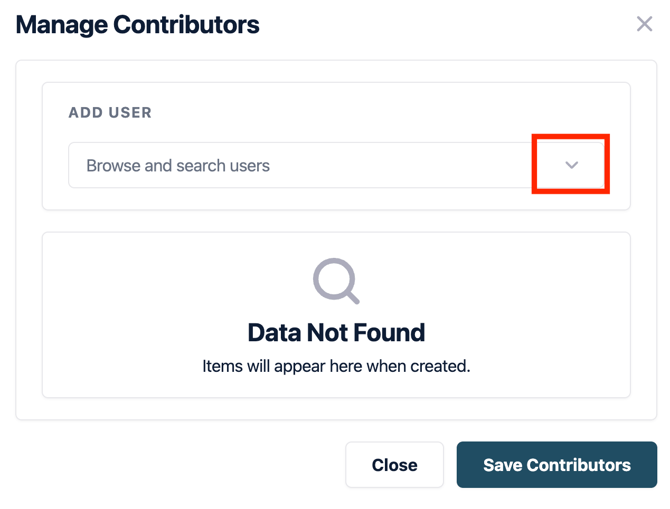
3.  Using the dropdown icon you will be able to select the user you wish to add to contribute to the Virtual Card.

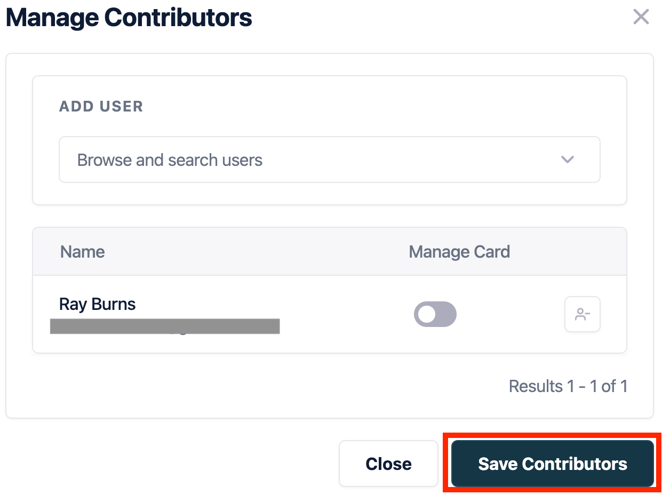
4.  Once you have done this, you must ‘Save Contributors’.

5.  Once you have done this, you will see that the information on the Virtual Card has now been updated.